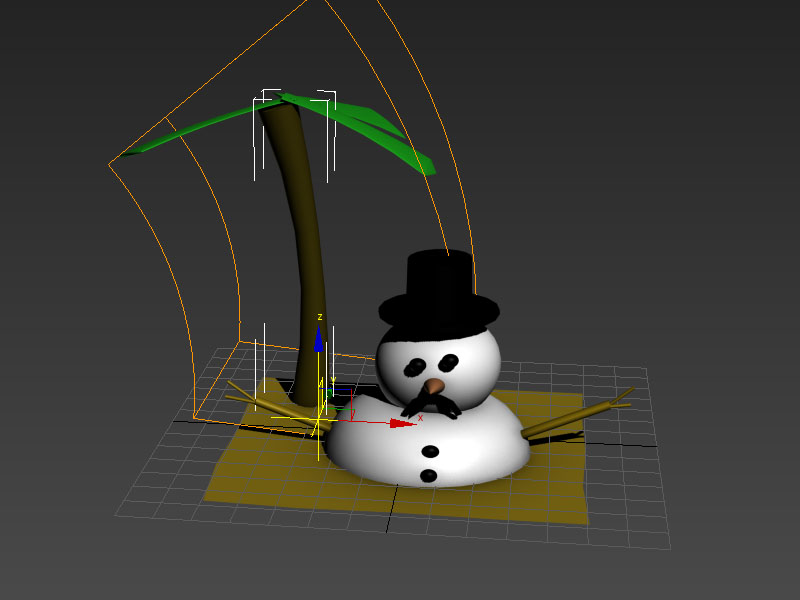
I made a few problems wtith moving polgons to experiment with design which I couldn't undo, in the future i will sketch more when creating a model without referance.
Tuesday, 11 December 2012

Tuesday, 4 December 2012
My favourite chocolate bar is "Mars"
Colour indexing!
To take a selection of colours from a photo in photoshop go to Image>Mode>Indexed Color
Set the pallete to Local (perceptual), Select the number of colours you want ( I did 45 for the bunny, to avoid lossing his mouth colour), Forced = None, Dither = none. Hit Ok

Then go back to Image>Mode>Color Table > and Hit save


To take a selection of colours from a photo in photoshop go to Image>Mode>Indexed Color
Set the pallete to Local (perceptual), Select the number of colours you want ( I did 45 for the bunny, to avoid lossing his mouth colour), Forced = None, Dither = none. Hit Ok

Then go back to Image>Mode>Color Table > and Hit save

To load them go to the top right of your swatches>and hit load swatches.

That it is all :).
Speed Painting
Still have no idea how to paint on the computer, so this task i really struggled. We had to speed paint, blotching the colours.


The second painting went better in my opinion and i rather enjoyed it. I understand now how a painting can be very simple and effectivly. I did take to much time on the background.

Monday, 15 October 2012
Mapping


Tuesday, 9 October 2012
My Ugly Mug
Yeah challenged to make a mug, mine has some major faults but i m only a noob. Notice the small tapering at the top.
Sunday, 30 September 2012
New Blog, 1 st lesson
Hi Welcome to another blog. This one is to showcase my Computer Games Art work for my course - yay.
So this was my first lesson with 3d Max, I wasn't pose to make a space ship but it looked awesome and still covered all the features we learnt; Symmetry modifier, Turbo Smooth and manipulating surfaces.


Subscribe to:
Posts (Atom)